How to send in documents
We may ask you to send us a few documents to verify we have all the information we need for your child’s Trump Account. If we do, we’ll send details about which documents we need, why we need them, and how to submit them.
Submit documents through the app
- If prompted to upload a document in the mobile app, you'll have instructions to take a photo of your document
- Select Take Photo Now
- Select the type of document (if applicable)
- Follow the on-screen instructions to take a photo of your document
Submit a PDF through the app
- If prompted to upload a PDF bank statement within the app, you'll have instructions to submit your document
- Download the most recent PDF statement from your banking institution's app or website and save to your files
- Select Upload PDF Statement on the card to pull up your files on your device
- Select the PDF statement from your files
- Follow the instructions to submit your PDF document
If we can't read your document, we'll send you tips for submitting a successful submission.
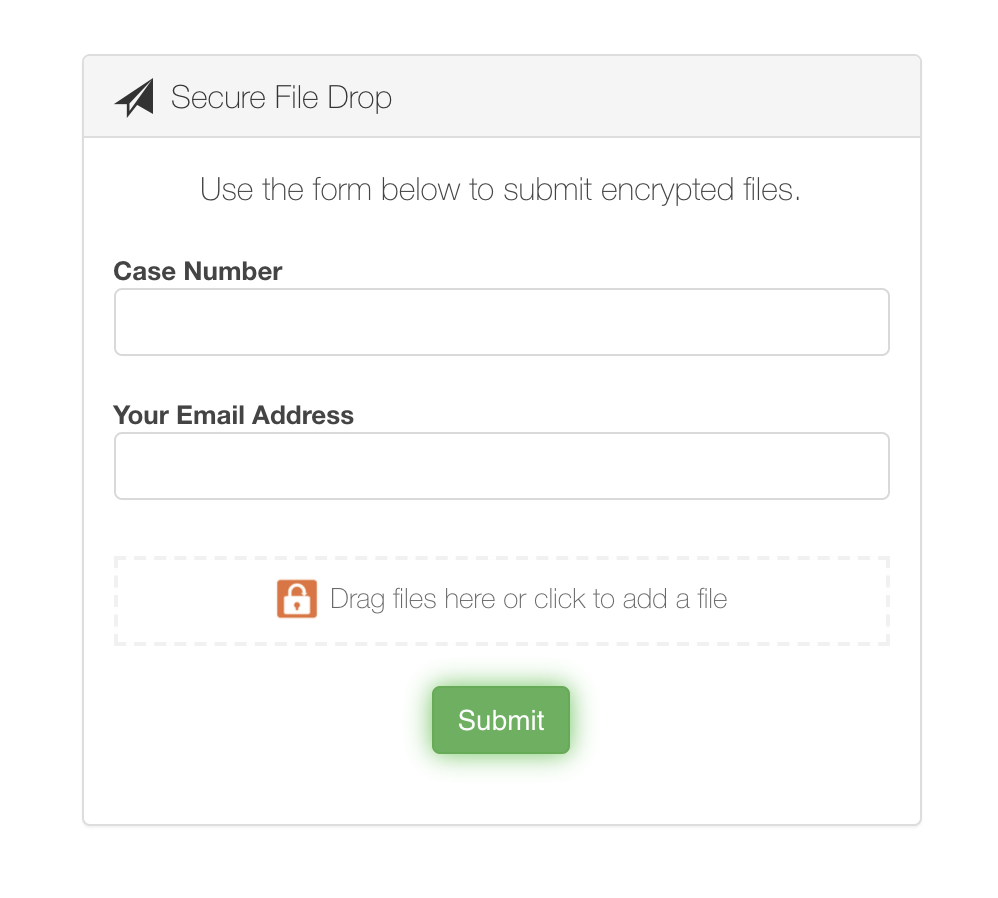
Upload documents through our secure file portal
- If prompted to upload a document to our secure file portal, we'll send you an email with a secure link to upload your document
- Enter your Case ID (in your chat or email from us)
- Enter your email address
- Drag and drop to attach your file → select Submit
- Reply to the email from us containing the upload link to confirm you submitted your document so we can begin the review process
What happens after you submit
Once we receive your documents, here's what to expect:
- You'll get an email confirming we received your documents
- We'll review your submission within 1–2 weeks
- If your documents are approved, you'll get a second email confirming your account is open
- If we need something else, we'll email you with next steps
You don't need to contact us to confirm we got your documents. If you don't hear from us within 2 weeks, contact Support.
If your documents were rejected
We'll email you if we can't accept your submission. Your application may be rejected for 1 of the following reasons:
Document is blurry or unreadable
- Retake the photo in good lighting with all 4 corners of the document visible
- Make sure no information is cut off, obscured, or out of focus
Document is expired
- Submit a current, unexpired government-issued ID
- Temporary paper IDs aren’t accepted; you’ll need an official physical ID
Name doesn't match
- The name on your document must match the name on your account exactly
- If there's a discrepancy, check your legal name with the Social Security Administration (SSA) or your state DMV
Document is the wrong type
- Check the requirements below and resubmit the correct document type for what was requested
File is password protected
- Remove the password from your document and resubmit
File is too large
- The file size limit is 10 MB or smaller
- Remove blank pages and compress the file before resubmitting
Address document is too old or doesn't match
- Utility bills, bank statements, and lease agreements must be dated within 60 days
- The name and residential address on the document must match your account. Note that PO boxes and commercial mailing centers aren’t accepted.
You have up to 3 attempts to submit acceptable documents. After 3 unsuccessful submissions, you won't be able to resubmit. Contact Support if you've reached this limit, we can help.
What to do if you have been rejected
Review our eligibility requirements. If you believe you fit the eligibility requirements for an account but have not been able to open an account, it’s possible your election was rejected because the identity of you or your child couldn’t be verified. To restart the process, submit a new 4547 Form.
Document requirements
Review what's required for each document type before submitting:
Drivers license or state ID
- Government-issued physical ID (no paper temporary copies)
- Both sides (front and back)
- Not expired
- Not a scan, photocopy, or screenshot
- Legal name must match the name on the account
Passport
- Full passport photo page visible, no glare
- Not expired
- Not a scan, photocopy, or screenshot
- Legal name must match the name on the account
Social Security card
- Clear and readable
- Submit in color black and white isn’t accepted
Permanent Residency card
- Both sides (front and back)
- Not expired
- Not a scan, photocopy, or screenshot
- Legal name must match the name on the account
Bank statement
- PDF format
- Dated within 60 days
- Must include: your full name, address, banking institution, account type, and account number
Utility bill
- Dated within 60 days
- Issued by an electric, gas, water, or internet company
- Must show your name and residential address (service address or mailing address)
Lease agreement
- Current and within the active term
- Signed by all listed tenants and the landlord
- Full document required (digital or wet signature)
3210 letter
- PDF format
- Must include: your name, your firm's letterhead, your employer's physical address, and a handwritten signature from your firm's compliance department
Tips for a successful submission
- For bank statements or utility bills, a photo of a PDF on your computer screen is accepted as long as all details are clear and legible
- If submitting a bank statement in place of a utility bill, you may be asked to explain why the utility bill isn't available
- Ensure every required detail (name, letterhead, signature, address) is clearly visible on your 3210 letter
